How to Use Amazon's Price History to Spot Fake Discounts Before You Buy
Amazon India now shows 365 days of price history directly on the product page. Over 50 million customers have used it. Here is exactly how to read the chart to tell whether a "sale price" is a genuine discount or manufactured hype.
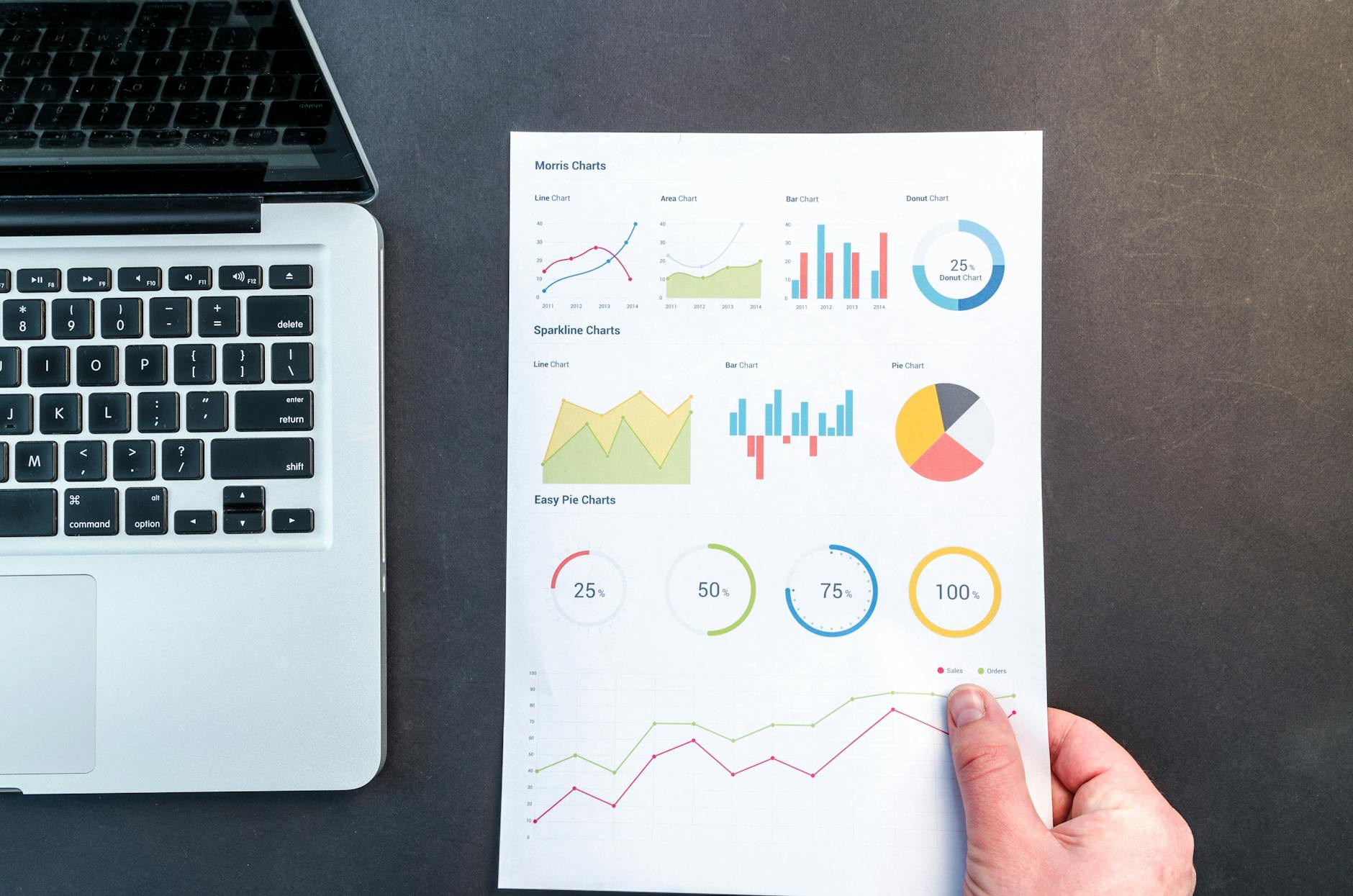
Amazon India quietly rolled out a built-in price history feature in late 2024. Over 50 million customers have already used it. It shows you exactly what a product cost over the last 30, 90, or 365 days — which means you can now verify, directly inside the Amazon app, whether a "sale price" is a genuine discount or a price that has been there for months.
Here is how to use it, what to look for, and what to do when the history reveals a product is not actually on sale.
How to Access Amazon's Price History
On the Amazon India app (Android):
- Open any product page.
- Look directly under the product price — you will see a "Price History" option.
- Tap it. The price history graph loads inside the Rufus AI tab.
- Select 30-day, 90-day, or 365-day view using the selector at the top of the graph.
According to Amazon's own documentation, the 365-day view is now rolling out globally, including India. As of May 2026, it shows a full year of pricing data for most products.
The feature is also accessible through Rufus, Amazon's AI shopping assistant. You can ask Rufus directly: "Has this product been cheaper in the last 90 days?" and get a plain-language answer alongside the chart.
How to Read the Price History Chart
The chart shows price on the Y-axis and time on the X-axis. What you are looking for:
- A genuine discount: The current price is clearly below the line for most of the chart period. If the price has averaged ₹45,000 for 6 months and today it is ₹38,000, that is a real drop.
- A manufactured discount: The price was ₹38,000 for 4 months. Three weeks before a sale, it rose to ₹50,000. Now it is "on sale" at ₹42,000 — ₹4,000 below the inflated pre-sale price but ₹4,000 above the normal price. This is the pattern to watch for.
- A stable price with a sale badge: Price has not moved in 3 months. Today it shows "15% off." But the chart shows it has been at this exact price for 90 days. The "15% off" is calculated against the MRP printed on the box, not the actual recent selling price.
According to DataWeave's analysis of Amazon's Great Indian Festival, Amazon raised prices on 16% of products during the GIF sale period. For those products, the price history chart would show the pre-sale spike — something you cannot see from the current price alone.
The 90-Day View Is the Most Useful
The 30-day view is too short to catch pre-sale inflation — manipulation typically happens 3-4 weeks before a sale. By the time the sale launches, the spike happened 21-30 days ago, right at the edge of a 30-day chart.
The 90-day view catches it clearly. A product that was ₹40,000 three months ago, rose to ₹50,000 four weeks ago, and is now "on sale" at ₹44,000 is not a deal — it is a ₹4,000 premium over the 90-day average.
Use 365-day for products with seasonal pricing (ACs, heaters, rain gear) where annual price cycles matter more than short-term manipulation.
What to Do When the Price History Reveals a Fake Discount
Option 1: Set a price alert and wait. If the 90-day average is ₹40,000 and the current "sale" price is ₹44,000, set an alert at ₹41,000. You may wait 2-4 weeks, but the price typically returns to its baseline after the sale hype fades.
Option 2: Check Flipkart immediately. Price manipulation on one platform is rarely perfectly mirrored on the other. Paste the product name into Flipkart — the same model may be at its genuine low there while Amazon runs an inflated "sale."
Option 3: Buy if the price is at or near the all-time low. Not every sale price is fake. If the chart shows this is the lowest price the product has ever been, it is a genuine deal regardless of whether a "sale" is happening. Buy it.
DetectaDeal Adds What Amazon's Feature Misses
Amazon's price history only covers Amazon. It cannot tell you whether Flipkart, Myntra, or Meesho has the same product cheaper right now.
DetectaDeal tracks price history across multiple Indian platforms simultaneously. You can see whether a product's Amazon history looks inflated while Flipkart's history for the same product is at its normal level — and buy from whichever is actually cheaper.
Additionally, DetectaDeal sends an alert the moment a tracked product hits your target price, across any supported platform. Amazon's native feature shows you history — it does not proactively notify you when the price drops.
Other Price History Tools That Work for Indian Platforms
- Flipshope: Browser extension for Chrome. Shows price history for Amazon India and Flipkart directly on the product page. Free. Good for quick checks without leaving the browser.
- BuyHatke: Price tracker for Amazon, Flipkart, Myntra, Ajio, and more. Browser extension plus app. Shows price comparison across platforms alongside history.
- PriceHistory.app: Focused on Indian platforms. Clean price charts. Works for Amazon India specifically with historical data going back years.
The choice between tools comes down to workflow. Amazon's native feature is the lowest friction — you are already on the product page. For cross-platform checking and proactive alerts, external tools add the most value.
Signs a Discount Is Genuine
Not all sale prices are manipulated. Genuine discounts have a recognizable pattern in the price history:
- Current price is below the 90-day average, not just below an inflated recent spike.
- Current price is near the all-time low on the chart.
- The drop is sharp and recent — within the last 2-5 days — not a gradual decline after a recent spike.
- The product has not shown a price spike in the 3-4 weeks before this "sale."
If all four are true: it is a real deal. Buy it. The price history removes guesswork.
Frequently Asked Questions
Does Amazon's price history include shipping costs?
No. The Amazon price history graph shows the product price only. Shipping costs are excluded. If a product has ₹100 shipping that was not in a previous price point, the chart will not reflect that change.
Is the 365-day price history available for all products on Amazon India?
Amazon is rolling it out progressively as of 2026. Most high-volume products already have it. Some newer or less popular listings may only show 30 or 90 days.
Can I see price history for products sold by third-party sellers vs Amazon?
The chart aggregates all seller prices for the same listing. If a third-party seller raises prices before a sale and Amazon Retail does not, the average shown may be distorted. Cross-check with a tool like Flipshope for seller-specific history.
What if the product has no price history on Amazon's app?
New products, recently added listings, or products with very low sales volume may not have sufficient data for the history feature. In that case, use DetectaDeal or BuyHatke to start tracking — the data builds over time.
Does Flipkart have a similar price history feature?
Flipkart does not have a built-in price history feature as of 2026. Use third-party tools — Flipshope, BuyHatke, or DetectaDeal — to check Flipkart price history.
The price history is under the price. Tap it before you buy anything during a sale. A 10-second chart check will tell you whether the "discount" is real. Set a price alert on DetectaDeal for the products where the chart shows you should wait.
More to Read
CashKaro and Cashback Apps: Are They Actually Worth It for Indian Shoppers?
CashKaro paid ₹1,000 crore+ to Indian shoppers since launch. FY25 revenue was ₹350 crore. The money is real — but most users earn far less than the marketing suggests. Here is an honest breakdown of what you can actually earn.
Read More
The Truth About No-Cost EMI in India (What You Actually Pay)
The bank does not work for free. On a ₹1 lakh purchase, no-cost EMI costs you ₹1,500-₹1,700 in hidden GST and fees. And if you have a cashback credit card, you may have just paid ₹3,700 more than you needed to.
Read More
How to Win a Flash Sale in India: The 6-Minute Checkout Strategy
The phone you tracked for 3 months goes on sale. You open the app 4 minutes later. Sold out. Here is the exact pre-sale setup and midnight checkout sequence that gets you from "sale starts" to "order confirmed" in under 6 minutes.
Read More